Documentation
Getting started
From the invitation to the first update.
Activate the account
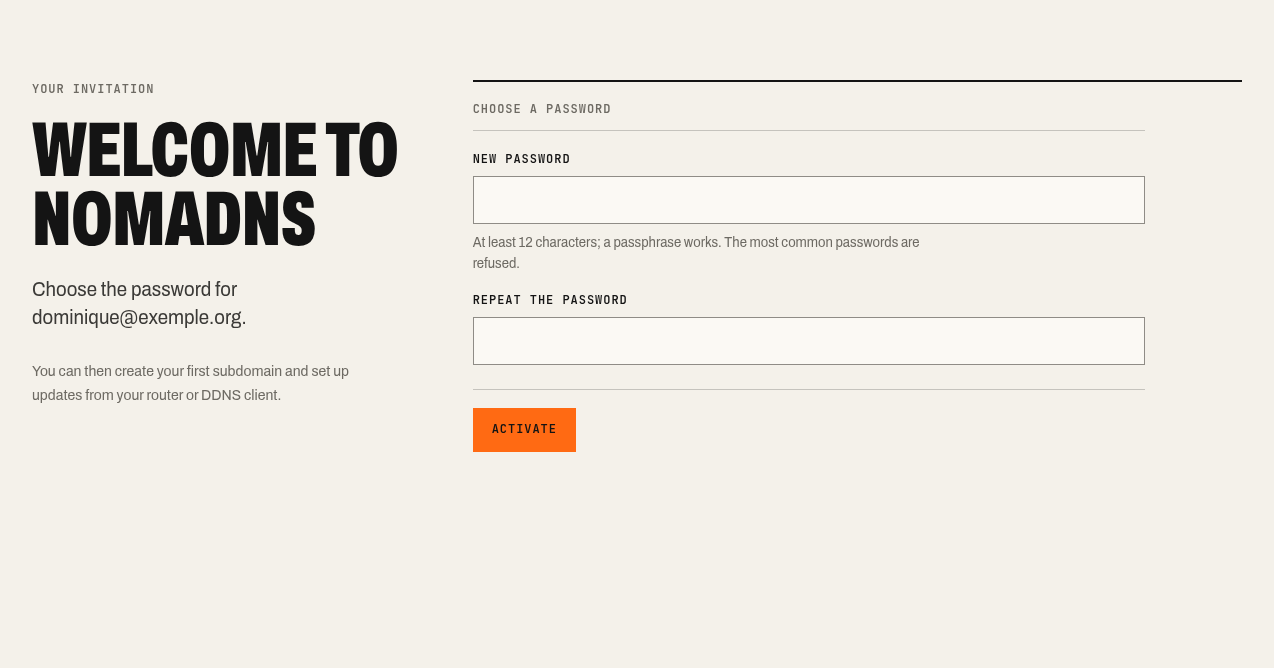
Hostux sends you an invitation link, valid once, for 7 days. Open it and choose a password of at least 12 characters; a sentence works, the most common passwords are refused.
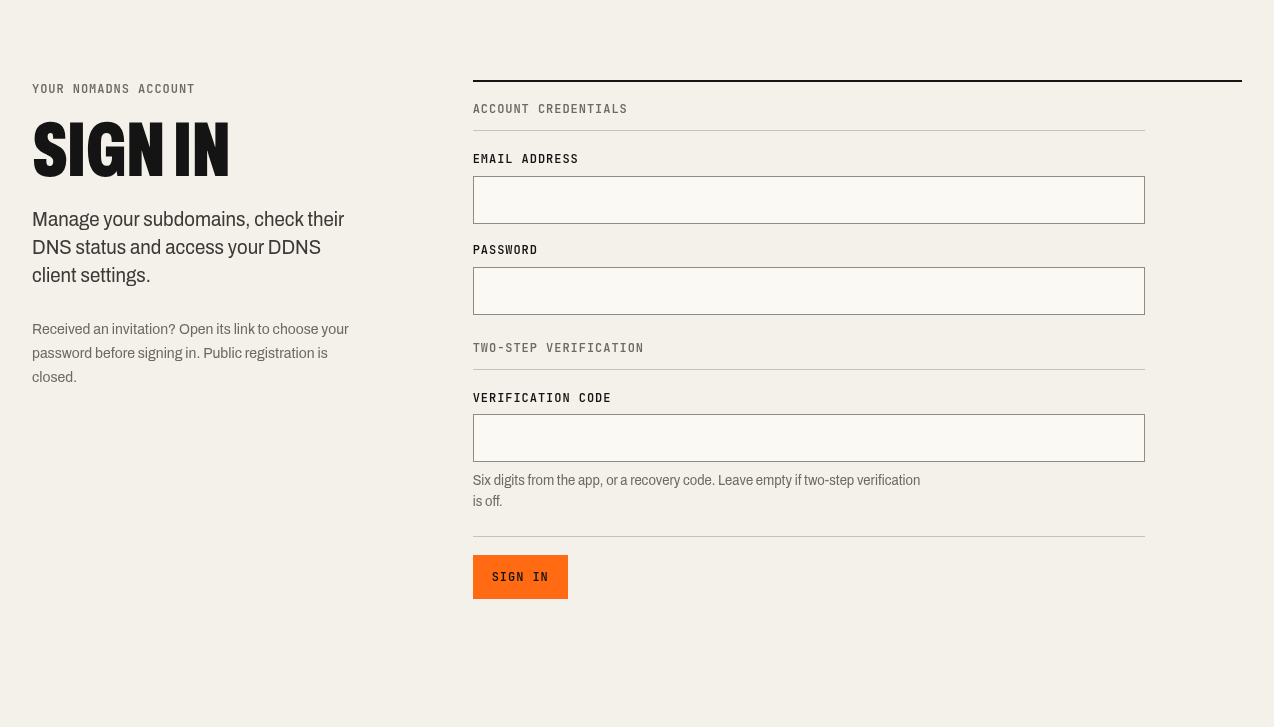
Then sign in on my.nomadns.net with your address and that password.
Create a subdomain
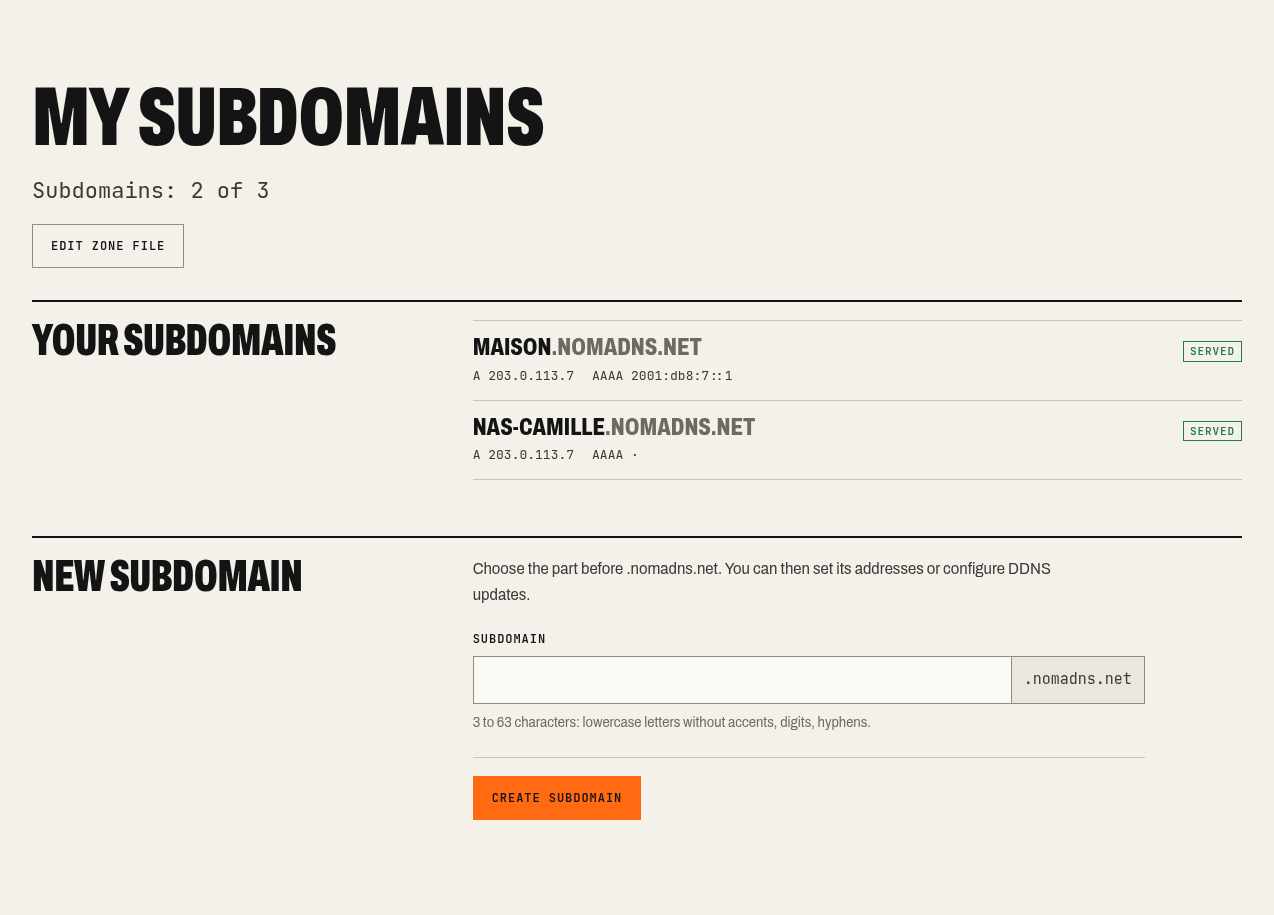
On “My subdomains”, pick a name of 3 to 63 characters: unaccented lowercase letters, digits and hyphens, with no hyphen at the start or end. The full name will be, for example, home.nomadns.net. An account has 3 subdomains by default.
Enter the address or let the client send it
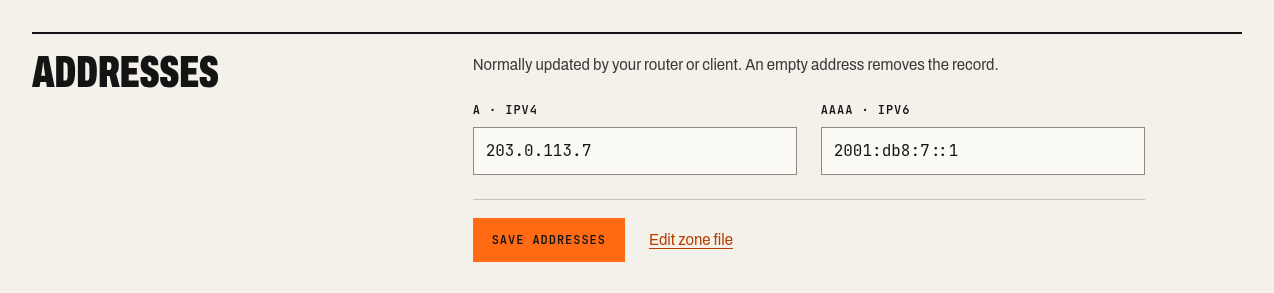
The subdomain page lets you enter an IPv4 (A) and an IPv6 (AAAA) address. Only public addresses are accepted. Usually your router or client sends them (see Set up the client and check).
Create an update token
Under “Tokens”, create an “Update (DynDNS2)” token. The interface shows its identifier and secret, and the configuration blocks filled in. The secret is shown only once: copy it into your client right away. If you lose it, renew the token.
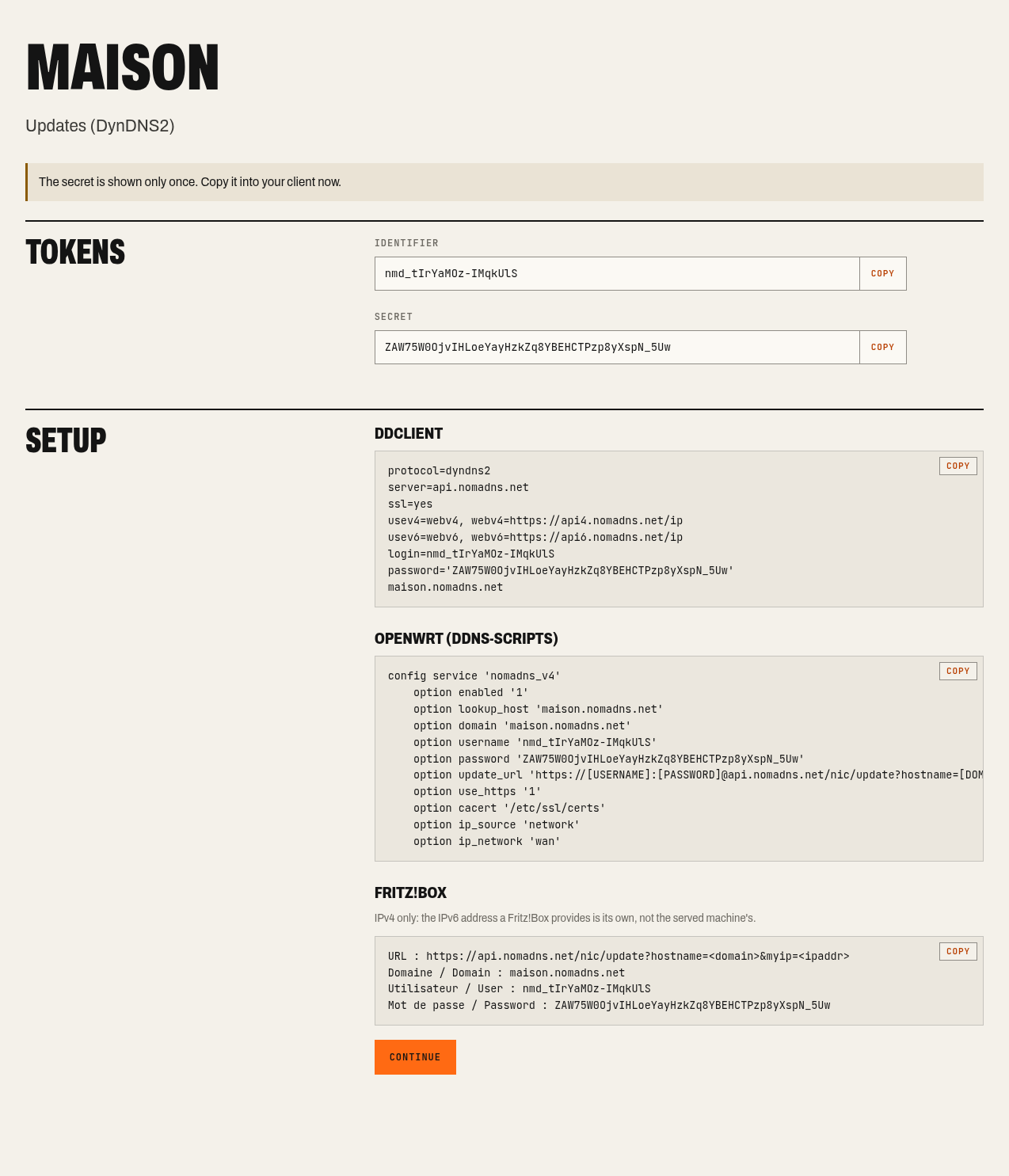
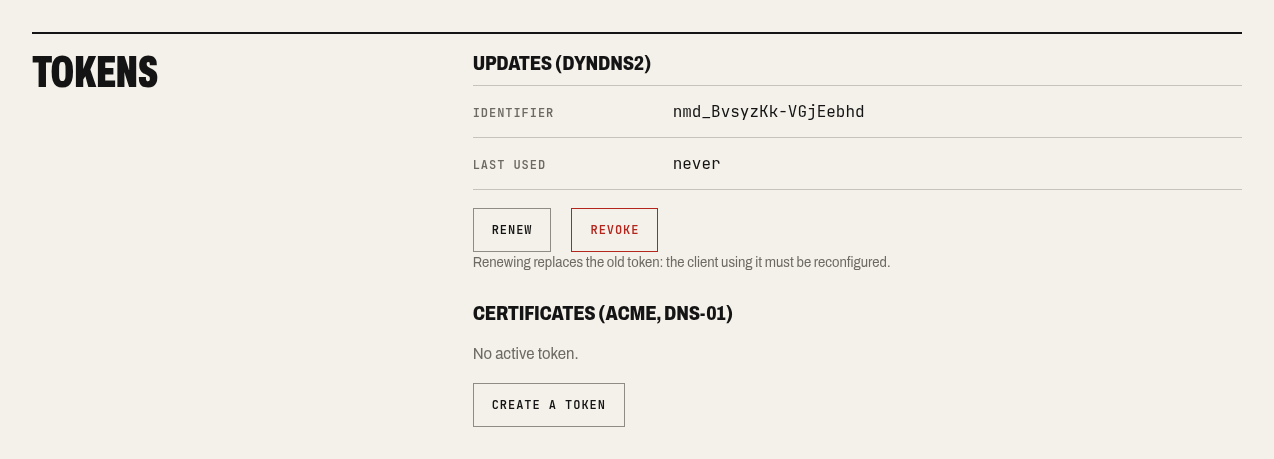
A token only works for its subdomain. The “Certificates (ACME, DNS-01)” token is separate: a router that updates the address cannot request a certificate.
Set up the client and check
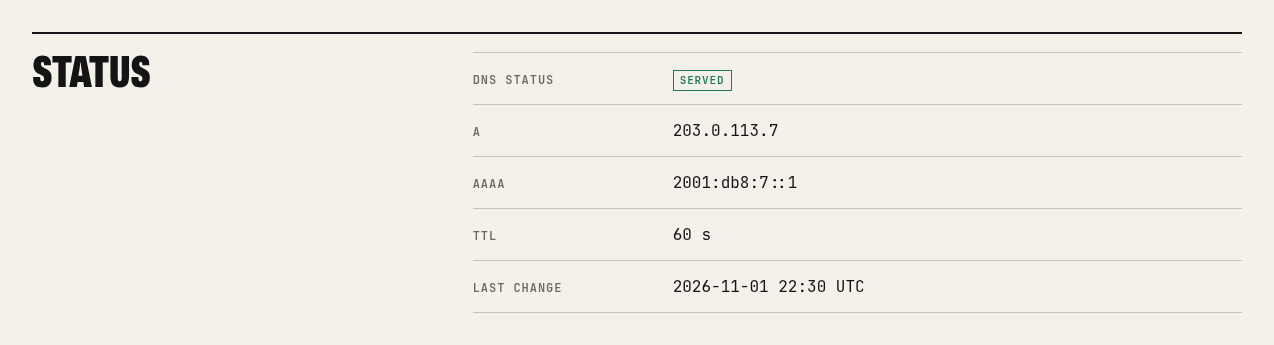
Copy the settings into your router or client: see Set up a client. After the first update, the page shows the “Served” state and the history records the change.

Protect the account
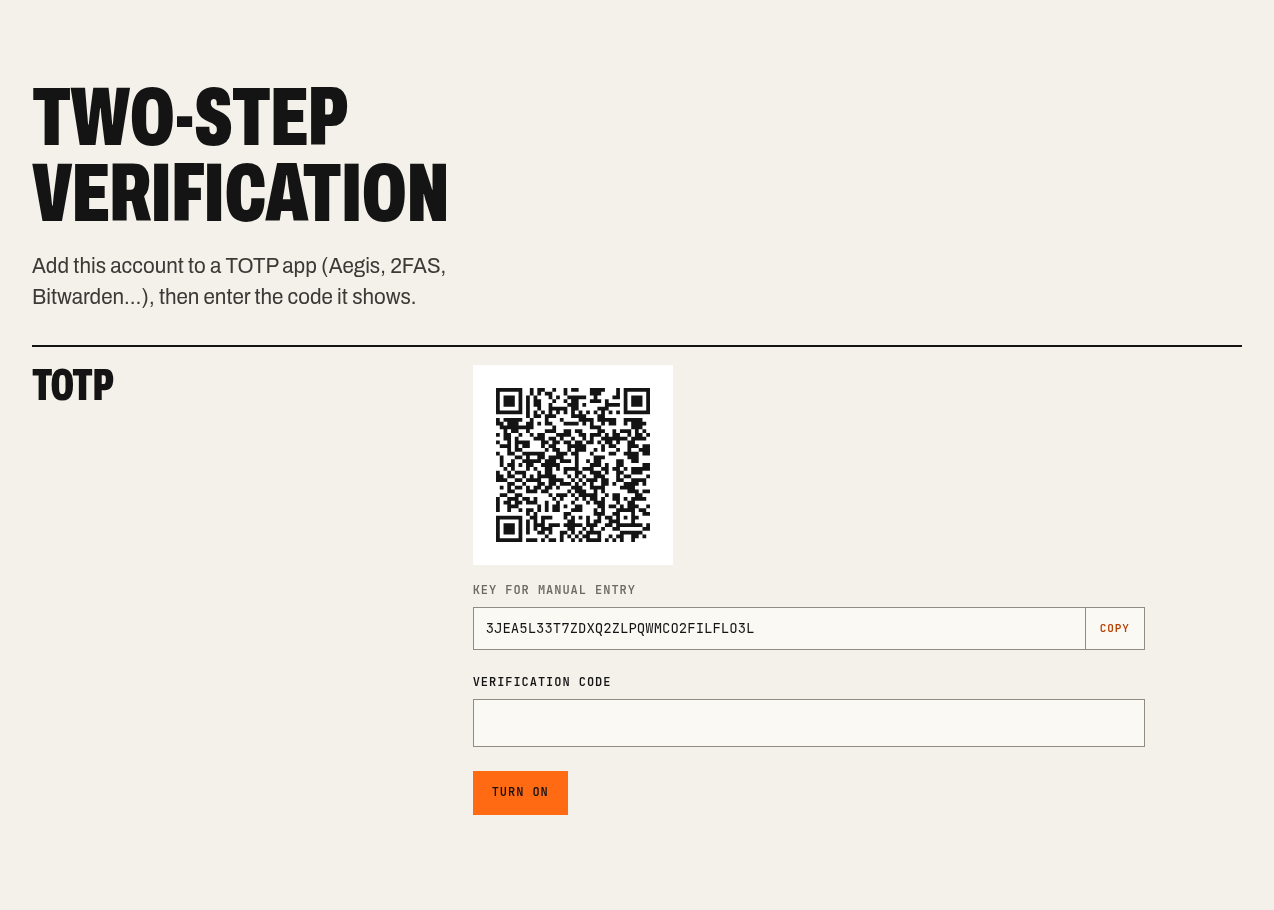
Under “Account”, you can change the password and enable two-step verification with a TOTP app (Aegis, 2FAS, Bitwarden…). It gives 10 recovery codes, each usable once if the phone is lost. Changing the password closes the other sessions; tokens stay valid.